Real estate and energy
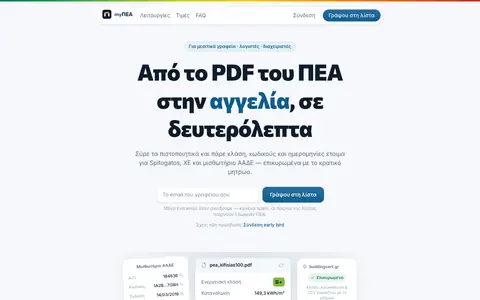
myΠΕΑ
SaaS · Real estate, energy
Εξαγωγή πεδίων από PDF Πιστοποιητικών Ενεργειακής Απόδοσης.
DeclaredBy the founderBetaGreek only
- Price
Waiting list · no price yet
- Works with
- Not declared
- Interface language
- Greek
- Updated
Real estate, energy · Tool · Script / open source
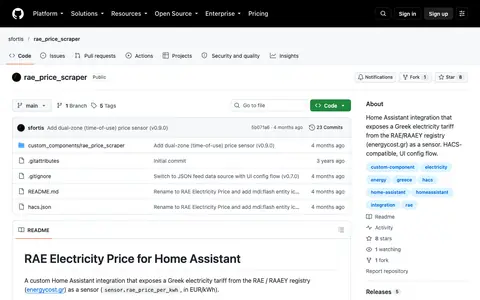
Φέρνει το ελληνικό τιμολόγιο ρεύματος μέσα στο Home Assistant.
For whomΧρήστες Home Assistant
The maker's website opens in a new tab.
Free
Price updated
Signing up and payment happen on the maker's website.
sfortis
github.comIndependent maker
The maker has not claimed the listing. Are you the maker? Claim the page
Last activity: push 01/07/2026 (GitHub)
Not a fit? Ask for something like this. A person replies within 48 hours.
The maker has not yet declared: what it works with, interface language, what it does not cover, licence.
Real estate and energy
SaaS · Real estate, energy
Εξαγωγή πεδίων από PDF Πιστοποιητικών Ενεργειακής Απόδοσης.
Waiting list · no price yet
Real estate and energy
Open source · Real estate, energy
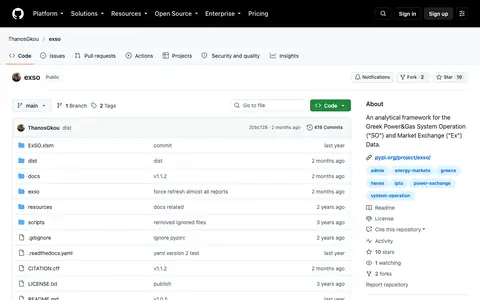
Ανάλυση λειτουργίας του συστήματος ηλεκτρισμού και αερίου (ΑΔΜΗΕ, HEnEx).
Free · updated